Should your brand be worried about AI search? Almost certainly. Do you need a big budget or a technical team to start doing something about it? Not really.
On May 27, Barrel hosted a live webinar with partners from Shopify and Good Protein covering what CPG brands need to know about AI-driven discovery. A good chunk of that conversation focused on specific, mostly free tools already available inside Shopify. If you'd rather watch the full session, download the free recording here.
Here's a practical rundown of what came up, and how to use each one.
Start with the Shopify Knowledge Base
If you're on Shopify, this is the easiest place to start. The Shopify Knowledge Base app gives AI agents access to your store policies, product information, and answers to common questions, separate from what's displayed on your storefront.
"It's like a partial requirement for this AI age," said Matt Hickey, Partner Solutions Engineer at Shopify, during the session. Agents look for return policies, shipping information, and product details when helping a customer decide what to buy. If that information isn't documented and accessible, the agent either can't answer or answers incorrectly.
To find it, search "Shopify Knowledge Base" from your admin. Shopify pre-fills some answers already, and you can see which questions are getting traffic, edit existing answers, or add new ones based on what you know customers ask.
Get your product schema in order
Schema markup is the layer that tells AI models and search engines what your content actually is, not just what it says. Product schema, FAQ schema, and review schema all help AI systems categorize your content accurately and cite it with confidence.
Matt offered a simple way to think about product schema: it's a map of the product, covering title, price, category, inventory, and images. Alt text matters here too. "They don't know what image five-four-nine-three JPEG is," Matt said, "but if you write it out and say what each image is, it always gives the agent an actual idea of what they're looking at." The same logic applies to video: transcripts make video content readable to an agent that can't watch it.
Use Sidekick for the analysis you'd otherwise skip
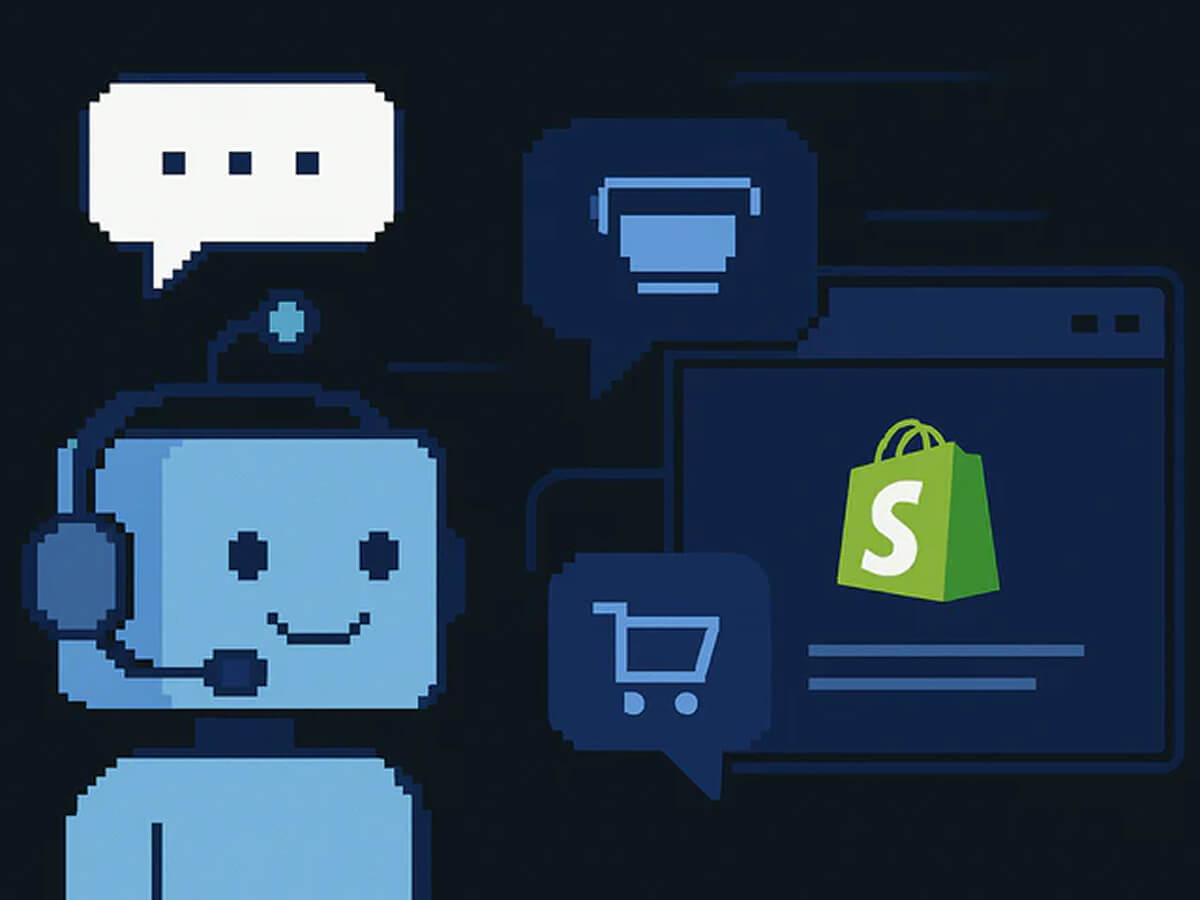
Sidekick, Shopify's built-in AI assistant, shows up in the admin and can answer plain-language questions about your store's data without any setup. Lucas Ballasy, CEO of Barrel, described using it with a client to dig into a conversion rate question and quickly surfacing a spike in traffic that turned out to be bots, something that would have taken far longer to find manually.
Sidekick can also help close specific content gaps. Matt mentioned it can flag products missing images, missing alt text, or incomplete metadata, and can build reports or workflows on request. It runs on your own store data, and there's no cost to use it, which makes it a reasonable place for less technical team members to get comfortable working with AI tools before moving to anything more advanced.
When you need more: Claude and MCP
For tasks Sidekick can't handle, several speakers described connecting Claude to Shopify through MCP (Model Context Protocol), which lets an AI assistant take action directly inside your store. One example from the session: filling in missing metadata across an entire product catalog in one pass, rather than doing it product by product.
Jean-Sébastien Crevier, SVP of Growth at Good Protein, described a similar approach on his team, using Claude Code connected to their platforms for reporting and analysis that would otherwise take much longer to compile manually, while being deliberate about which tools and data sources they connect.
Lucas's advice for getting started: don't begin with the tool, begin with the problem. Describe a real workflow or question to Claude and let the conversation guide you toward what's possible, rather than trying to learn every feature up front.
A short list to work from this week
- Search "Shopify Knowledge Base" in your admin and fill in any gaps
- Check that product schema, alt text, and FAQ schema are implemented correctly on your site
- Open Sidekick and ask it a real question about your store's performance
- If you're ready to go further, connect Claude to your store via MCP and start with one specific task, like a metadata audit
This is just one part of a much longer conversation. The full recording covers additional technical changes affecting AI discoverability, live examples of AI search results for CPG brands, and a complete framework for auditing your site. Watch the full 45-minute session here.
Work with Barrel
Barrel builds and optimizes Shopify storefronts for CPG brands, including the technical and content work behind AI discoverability. If you want help figuring out where to start, reach out at barrelny.com/contact.




.jpg)